Leaderboard
Popular Content
Showing content with the highest reputation on 06/09/2015 in all areas
-

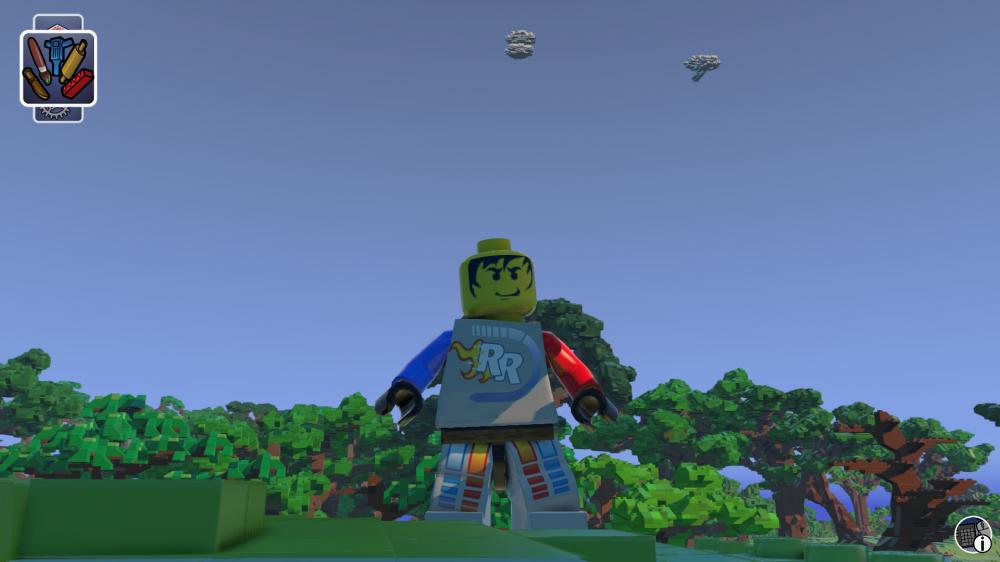
Eureka! A crude first-person mode emerges!
Alcom Isst and 8 others reacted to Gmr_Leon for a topic
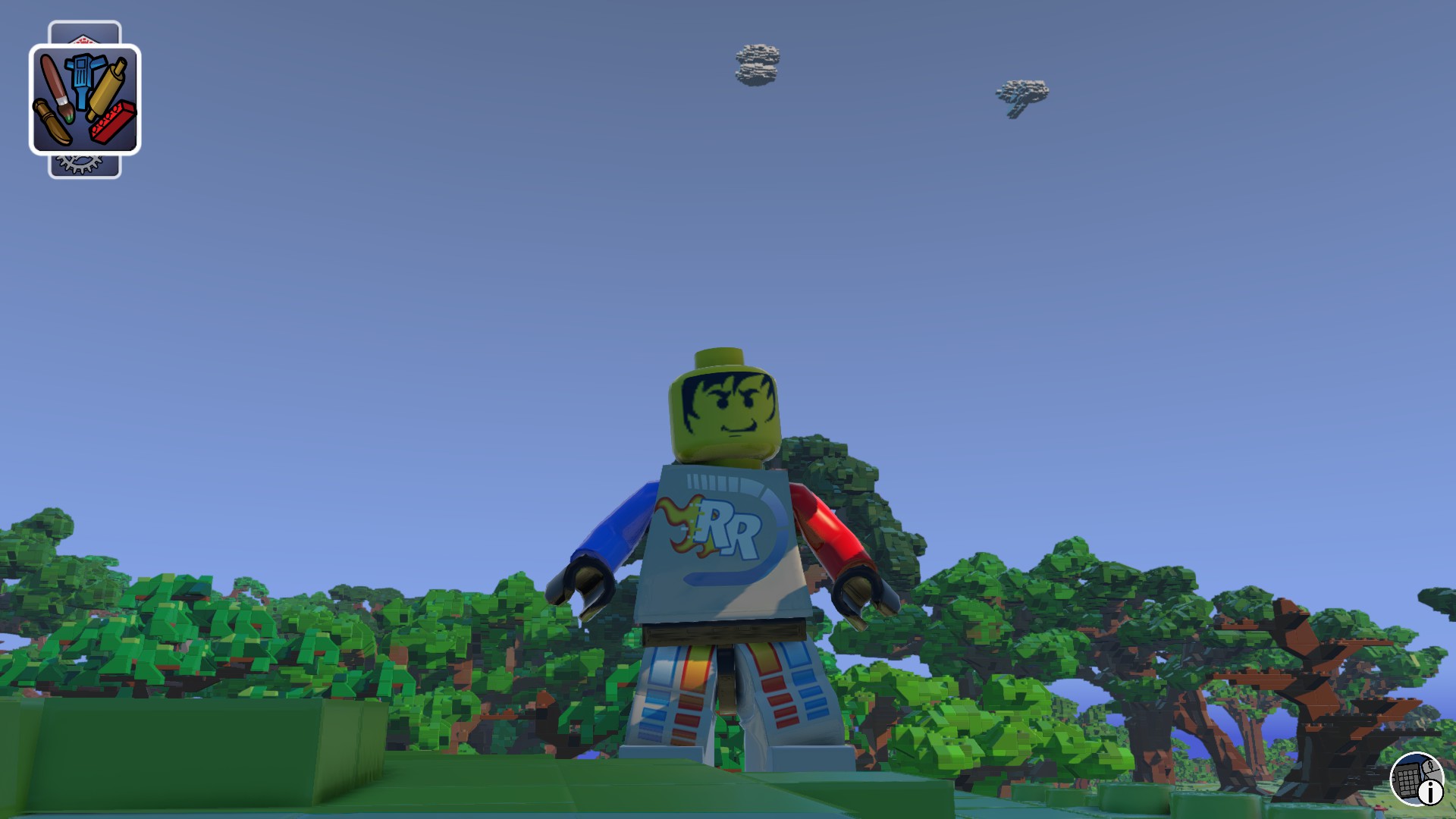
Thanks to my research in this thread I've uncovered the secret to possessing our minifigs, and looking through their eyes. It's not the smoothest experience (as one may expect), but it's a neat little proof of concept, I think. //stick_length 2.2 //stick_height 0.3 //stick_sphere_radius 0.06 //lookat_offsety 0.05 stick_length 0 //Def: 1.95 Good alt: 3.50 stick_height 0.15 //Def: 0.25 Good alt: 1.50 stick_sphere_radius 0.06 //Def: 0.06 lookat_offsety 0.035 //Def: 0.035 //stick_length 1.7 //stick_height 0.2 //stick_sphere_radius 0.06 //lookat_offsety 0.02 lookat_offsetz 0.0 pan_auto_stationary_time 0.0 pan_auto_rotate_speed 0.0 pan_auto_zoom_speed 1.0 pan_user_rotate_speed 1.75 //Def: 1.25 pan_user_zoom_speed 1.5 //Def: 1.5 smooth_position 0.65 //Def: 0.7 smooth_lookat 0.9 //Def: 0.9 sock_blend_in_time 2.0 //Def: 2.0 sock_blend_out_time 1.0 //Def: 1.0 los_look_ahead 1.0 //Def: 0.75 los_width 0.4 //Def: 0.4 los_height 0.75 //Def: 0.3 Affects camera position on-screen. screen_top 0.75 //Def: 0.3 screen_bottom 0.33 //Def: 0.33 focal_region 0.55 //Def: 0.55 focal_bias 0.0 //Def: 0.0 pos_seek_scale 1.0 //Def: 1.0 ang_seek_scale 1.0 //Def: 1.0 priority 0.0 //Def: 0.0 nearclip 0.40 //Def: 0.1 farclip 153.0 //Def: 153.0 upper_angle_limit 100 //Def: 90 lower_angle_limit -100 //Def: -85 elevation_correction_strength 0.0 //Def: 0.2? avoid_water_strength 0.0 // Don't avoid water avoidance_weight 0.0 // 0.0 == Do not avoid terrain (except pulling in for obstructions) The essential lines above are: stick_length stick_height smooth_position los_height screen_top nearclip avoidance_weight These must be changed to possess your minifig. Variation from these values may cause possession rejection as your minifig will toss you out to watch them run free without you in their head, albeit you might find yourself still faintly attached, and back in possession as they stop running. In action:9 points -

Modding Tt LEGO Games: Beginner's Preparation/Setup
Aryanne_v2 and 5 others reacted to McJobless for a topic
Hey guys! If you've come to this tutorial, I assume you're probably new to the world of LEGO Video Game modding! If you've already gone ahead and extracted your files, this tutorial isn't going to be much use to you. However, if you're new to the modding process, this is a great place to start! This tutorial will work on any Traveller's Tales game starting with the original LEGO Star Wars. This also includes their non-LEGO games such as Transformers. NOTE: I am not responsible for any game updates which break your files. If you want to be completely safe, make sure you turn off "Automatic Updates" in Steam, or simply don't install game updates for retail games, and always keep backups of your game saves and data files. If you have any problems with tutorial, please let me know in the replies below. Modding TT Games - The Basic Setup Step 0: Finding Your Game Files In order to mod the game, we need to be able to access its files. If you've never dived into a program's folder before, here's the quick method to doing so. Head to your game's directory. If you bought the game through Steam, you can; Right-Click the game in the list of games. Press "Properties". Press the "Local Files" tab. Press the "Browse Local Files..." button. What if you bought the game at retail and it's an older title that doesn't unlock on Steam? That's all groovy too. Click on the Start menu, and go to the "All Programs" button. Find the shortcut for your LEGO game that you'd like to mod. If you can't see it, use the search bar. Right-Click on the program's shortcut, and press the "Properties" button. Under the Shortcut Tab (which should be automatically open), press the "Open File Location" button. Either way, these should both take you to the game's folder. Step 1: Backing Up Files This step isn't strictly necessary, but it's good practice that will save you having to reinstall the game if you accidentally break something. To backup, simply select the files you want to keep a safe copy of, right-click, select "copy" and paste them into a new folder somewhere else on your hard-drive. If you've got lots of space, you may want to backup the entire game folder, leaving a clean one you can use to compare your modded copy with. However, most of us aren't overflowing with space, so if you want to only backup specific files, you need to look for any file that has the name "GAME.DAT" or "GAME<number>.DAT", where <number> is replaced with a number between 0 and 9. These .dat files are specially packed archives that hold the game's data that we want to modify. The number of .dat files will vary between game, but they will always start with "GAME". Note: Just pointed out by Kirk?by; if for any reason you need to get your .dat files back and you are running a Steam copy of the game, you can simply press the "Verify Integrity Of Game Cache" button you can see in the same window as the "Browse Local Files..." button above. This will re-download any missing files (including the .dat files), but may overwrite any files you've changed. Step 2: Creating a Working Directory If you're a confident modder, you could go ahead and extract all the files directly to the game's directory, but we're going to use a Working Directory; an intermediary folder that holds our files so we can comb through them and make sure there isn't any problems before we put them in our game folder. On your Desktop, create a new folder called "LEGOFUN" or something similar. The name doesn't matter, just so long as it's recognisable. We will delete this folder when we're done. Inside your LEGOFUN folder, create two new folders. Call the first one "QuickBMS", and the second one "GAME". Step 3: Downloading The Tools In order to open up those .dat files, we need some special tools. Firstly, head into this link and download the file in the first link at the top that says "QuickBMS generic files extractor and reimporter". QuickBMS is a little tool that allows people to create scripts that tell it how to extract different kinds of files. When the file downloads, it should be a RAR file. Open this up with WinRAR or any similar archive program, and drag the contents of this archive into your Desktop/LEGOFUN/QuickBMS folder. We're not done yet! Open up this link, and in your Web Browser go to the "File" meny and press "Save As...". Make sure you select "All Files" in the "Save as type" dropdown box! Save the file as "ttgames.bms" in your Desktop/LEGOFUN/QuickBMS folder. Note: If for whatever reason the file doesn't exist, simply go to that first link (the same page that has the QuickBMS program) and scroll down until you find the "Ttgames . Traveller's Tales games DAT files extractor" script. Click on the blue link and save this as "ttgames.bms" as I suggest above. Step 4: Using QuickBMS To Extract The Game Files It's finally time. Are you ready?! In your Desktop/LEGOFUN/QuickBMS folder, run the program called "quickbms_4gb_files.exe". The name hints at the fact that this version of QuickBMS should be used for larger files, such as what you'll find in any TT Game. The first prompt will ask for a script or plugin, which we have already downloaded. Double click ttgames.bms in your Desktop/LEGOFUN/QuickBMS folder. The second prompt will ask you for the files you wish to extract from. Go to your LEGO game directory that we found in Step 0, and select all of the .dat files. You can select multiple files by dragging over all the files, or holding either Ctrl or Shift as you click on them individually! The third and final prompt will ask you to select a folder to save the files to. Open up your Desktop/LEGOFUN/GAME folder and press the "Save" button. Let the program extract the files. Get a drink and sit back! If you encounter any errors, don't be afraid to post here and ask. Step 5: Cleaning Up We're almost ready now. Before we can put our extracted files ready for modding into the game directory, we need to delete/backup a few files first. In your Desktop/LEGOFUN/GAME directory... You want to look for any file that says ".pak" or ".fpk", and put these files into the same directory as your backed up .DAT files. QuickBMS (should) automatically extract the contents of these packages as well, making them redundant. If for some reason the game crashes or things don't appear to load normally, restore them to where you found them. In your LEGO game directory... You need to delete all of the .dat files that you've backed up/extracted. You should make a backup and then delete all of your save files, as your mods may change the data that they store and could make them incompatible if you ever want to return your game to a normal state. Note: Be aware that you will need Administrator privileges to overwrite/create/delete files in your Program Files/Program Files(x86) folder in versions of Windows beyond Windows XP. There are a number of ways to disable this security feature for your LEGO Game's data folder permanently, but they are beyond the scope of this tutorial. Google searching for "Windows Folder Ownership" should give you plenty of results. Step 6: Moving The Files We're finally there. Carefully follow the next set of steps, and then you can start modding your TT game; Go to your Desktop/LEGOFUN/GAME folder and press "Ctrl" and "A" to select all. If this doesn't work, simply drag and highlight everything in the folder. Either press "Ctrl" and "C" or right-click and press "Copy". Go to your LEGO game directory. Make sure you are in the same folder as the .exe file that you use to run the game! Press "Ctrl" and "V" or right-click and press "Paste". All of the extracted files and folders should now be inside your LEGO game directory. Celebrate because you made it! Step 7: Your First Mod In order to show-off that we made it this far, let's make a quick change to the game. In your LEGO Game directory, go into the stuff/text folder and open up "english_credits.txt" in Notepad, Notepad++ or any plain text editor. Change the following text: heading "DEVELOPED BY" credit "Tt Fusion" to heading "MODDED BY" credit "<enter your name here>" Save the file and run the game. Enter the Options menu, and press Credits. Congratulations, you've just entered the world of modding! Note: If you find that you cannot save the files and that you get an error about "Read-Only" access or similar, this is because of the problem mention above regarding Administrator access. You will either need to run your text editing program as an Administrator (right-click and select "Run as administrator") or save the file to another location and then manually copy it over to the game directory.6 points -

Lego "Angry Birds" sets arriving in 2016
Cirevam and 4 others reacted to Ben24x7 for a topic
5 points -

Lego "Angry Birds" sets arriving in 2016
aidenpons and 2 others reacted to Ayliffe for a topic
Rovio, that game studio who keep pumping out angry bird games like there's no tomorrow, have just announced that they will be partnering up with TLG to release a full "Lego Angry Birds" theme in spring 2016. Apparently the line will mainly be based on the sony pictures film which is being released in, surprise surprise, spring 2016. In case you didn't know, here's what them main bird-y characters will look like in the film: Well this is gonna be, um, interesting. Here's the press release anyways:3 points -

Lego "Angry Birds" sets arriving in 2016
aidenpons and 2 others reacted to emily for a topic
Woooah there Skippy. He's posted one news report. Maybe if he posts more he'll be deserving, but Cyrem/Cirevam isn't exactly handing the red names out. Ayliffe's done a lot more than one news report. He's been really one the ball as of late, spotting a bunch of LEGO news before me, McStudz or jamesster. It's just that not every piece of news gets its own topic, a lot of it goes into already posted relevant news threads.3 points -

Adjust size, speed, and other minifig/creature characteristics...
Quisoves Potoo and 2 others reacted to Alcom Isst for a topic
I could really use vehicle speed and gravity modifications for a race track. Half of GENERICVEHICLETEMPLATE_STANDARD.TXT doesn't seem to be used. Most entries do nothing. It's not all unused though. Deleting Ability "VehicleSmash" removes the ability to smash props by running over them. Did some testing, apparently this is all the game needs from GENERICVEHICLETEMPLATE_STANDARD.TXT to run normally: //This is the template text file for all Vehicles //------------------------------------------------------------------------ // Abilities //------------------------------------------------------------------------ Ability "GenericAmbientVehicle" Ability "VehicleSmash" //------------------------------------------------------------------------ // Mechanics //------------------------------------------------------------------------ vehicle I hope the vehicle stats aren't hardcoded. I'd be maaaaaaad if they were.3 points -

Adjusting firepower
aidenpons and 2 others reacted to Wognif for a topic
Go to STUFF/BOLTTYPES.txt For the purpose of this, I'll be demonstrating with the bazooka's bolt. Look for where it says the following: bolttype_start name "BazookaBolt" In this area, you can change the size of the bullet, the blast radius, and how much damage it inflicts. It should look like this when you first see it: bolttype_start name "BazookaBolt" VFX_muzzle "Baz_BoltMuz1" VFX_bolt "" VFX_hit "Dynamite_Explo1" debris_moving "STEP_Dust1_MINI2" 100 scene gsc "Chars\Misc\Items\BAZOOKA_MISSILE.Gsc" obj "BAZOOKA_MISSILE" speed 5.0 duration 6.0 gravity 0.0 radius 0.1 scale 1.2 scaletime 0.1 DetonateRadius 0.75 //0.5 scene builder glow_obj "none" shadow_obj "none" part_hit "none" damage 1 deflected_bolttype "none" rand_angle 0 sfx_shoot "Wpn_BazookaFire" sfx_hit "Wpn_BazookaExplode" sfx_hit_gameobject "wpn_BazookaExplode" seek_delay 0.01 seek_factor 0.05 flags "impact_detonate" "shoot_flash" "orientate_muzzle_vfx" "no_shadow_cast" "no_deflect" "no_deflected_bolt" "can_destroy_shiny" "seek_target" //"shoot_along_barrel" BoltAbility "BazookaProjectileLoopSound" CanInteractWith "RangedSmashable" CanInteractWith "LEGOsilver" bolttype_end For demonstration purposes, let's change the scale, damage, and DetonateRadius to the following: scale 5.2 DetonateRadius 8.5 //0.5 damage 4 This is what a couple of rounds fired can do in-game using these settings: EDIT: Not shown: the size of the projectile. I wasn't quick enough to take a screenshot of that.3 points -
Lego "Angry Birds" sets arriving in 2016
Zed and 2 others reacted to Ayliffe for a topic
For some reason I drew a short comic strip about this. Dunno why, but here it is anyways:3 points -

Lego "Angry Birds" sets arriving in 2016
aidenpons and 2 others reacted to dead_name for a topic
seriously, f**** off3 points -

Lego "Angry Birds" sets arriving in 2016
Brigs and 2 others reacted to lol username for a topic
oh f*** off3 points -
F-Zero Port Town I
Phoenyx and one other reacted to Alcom Isst for a topic
2 points -
RRU Quotes 2: Reckoning
Fluffy Cupcake and one other reacted to Ayliffe for a topic
MaelstromIslander: Hi ben, don't you just feel like exploding some times? Ayliffe entered the room Ben24x7: Well, depends on the subject Is something wrong Mael? MaelstromIslander: Yeah, mobile keyboats. That's what. Ben24x7: Ah MaelstromIslander: <3 luv that pic Ayliffe: Just saw that pic MaelstromIslander: I bet they'll end up like that. Fushigisaur: How about this one Mael? MaelstromIslander: wat Ayliffe: Ben24x7: I'm wondering what the red scarlet coloured fat Angry Bird will look like MaelstromIslander: Looks like my annoying ex-girlfriend. Ayliffe: @Ben: An oversized apple Ben24x7: He could have tiny childrens legs Fushigisaur: lol, "girlfriend" like you'd have one of those MaelstromIslander: Its a joke. Fushigisaur: Ayliffe: YES MaelstromIslander: Should a put a smiley- NO LORD GOODNESS NO Fushigisaur: YES MaelstromIslander: KILL IT WITH FIRE Ben24x7: ... Fushigisaur: UMAD? Ben24x7: I sense a step over the line Ayliffe: I just fell off my chair in laughter Fushigisaur: UMAD BRO? MaelstromIslander: Okay if that was a horse I rode that would be amazing but STILL NO Ayliffe: Goddammit Fush, I wanted to stay on my chair longer than 10 seconds Ben24x7: So now its a Brony-trying-to-anger thing? MaelstromIslander: RUN BEN, BEFORE THEY MAKE YOU A PONY TOO! Ben24x7: I'm not one Fushigisaur: You want to ride Le? O...kay. MaelstromIslander: No. Ben24x7: If they do make me one... ...I don't know what I'll do MaelstromIslander: The one you made of me but Still NO GOODNESS NO Fushigisaur: I'll be sure to draw you one Ben Ben24x7: I am worried someone will put a "Look at my le, my le is amazing" joke here, especially if its quoted Ayliffe: I think I already have a pony of me somewhere... eeyup, there it is Fushigisaur: I don't even like watch MLP, I literally drew that for no reason other than to piss Mael off Ben24x7: Someone should quote this conversation Fushigisaur: I think it worked2 points -

Post Your Cool Custom Skins
Quisoves Potoo and one other reacted to Fluffy Cupcake for a topic
Mention and you shall receive it may be done. I put lazy effort into it, which is why I'm not providing a download.2 points -

RRU Quotes 2: Reckoning
noghiri and one other reacted to The Ace Railgun for a topic
Talking about Splatoon. [6/8/15, 9:01:53 PM] Jamie: it's like the designers for jet set radio got drunk at an all you can eat seafood buffet after a friendly TF2 tournament2 points -

Make any(?) item throwable and explosive.
Gmr_Leon and one other reacted to MaelstromIslander for a topic
Banana Bomb Spectacular: Michael Bay and the Potassium Pandomonium. Now someone replace the banana with a pig.2 points -
Adjust size, speed, and other minifig/creature characteristics...
Gmr_Leon and one other reacted to MaelstromIslander for a topic
Oh no... Its... Its... BACONUS PRIME! Now he'll have his revenge on all who ate his piggy brethren. Bow before his almighty porkyness!2 points -
Make any(?) item throwable and explosive.
aidenpons and one other reacted to Ben24x7 for a topic
Boom Banana? I sense the possibility of a LEGO/Worms Mod.2 points -
Lego "Angry Birds" sets arriving in 2016
aidenpons and one other reacted to emily for a topic
For reference, this year LEGO has 18 original in-house themes, 9 licensed properties, and two that combine their IPs with others. That means that licenses almost take up a perfect third of LEGO's current product range - a considerable percentage, but at the same time it's pretty clear that they have yet to overwhelm LEGO's business strategies.2 points -
Lego "Angry Birds" sets arriving in 2016
aidenpons and one other reacted to emily for a topic
a) did they forget that the visual style of angry birds was kind of important to the franchise when they made the movie? because that bird is now a 3d fuzzy banana. 3D GUYS, SO IMPORTANT WHEN TAKING FRANCHISES TO THE NEXT LEVEL b) dear lego, hi, I love you but you are kind of dumb at choosing licenses. please stop in summary,2 points -
Lego "Angry Birds" sets arriving in 2016
aidenpons and one other reacted to Phoenyx for a topic
I don't mind their choice of license, nor do I mind the blatant cash grab. I'm just tired of all the licensed themes TLG has been pumping out over the past several years. What happened to creativity?2 points -

Lego "Angry Birds" sets arriving in 2016
Brigs and one other reacted to Fush for a topic
Everyone in this thread be like Eh, I don't really care. I don't like Angry Birds but other people do, and I''m not going to deny them something they're interested in just because I'm not a fan of it.2 points -
Lego "Angry Birds" sets arriving in 2016
le717 and one other reacted to McJobless for a topic
I look forward to the TT Game.2 points -
Unlocking props by default, unused props
Quisoves Potoo reacted to lol username for a topic
Props are specified in the various files under STUFF\TERRAFORM\PROPS. INDEX.TXT tells the game which of the surrounding text files to use - at the moment, CITY.TXT and FRIENDS.TXT (and some others) are set to "DebugOnly" in INDEX.TXT; remove that and you can use them. Then, inside those files, for a prop you want access to, add this at the end of its definition: SetFlag = #DefaultCollect Some of the (currently unused) City and Friends props already have this enabled. Edit:1 point -
Classic LEGO Games Ported to Garry's Mod/SFM
Ayliffe reacted to Fluffy Cupcake for a topic
Anyone remember that Backlot game LEGO had on their site ages ago? Well someone recreated it for Gmod, and I assisted! Check it out! http://steamcommunity.com/sharedfiles/filedetails/?id=4580450101 point -
RRU Quotes 2: Reckoning
Alcom Isst reacted to Ben24x7 for a topic
1 point -

RRU Quotes 2: Reckoning
noghiri reacted to STUDZ for a topic
[8:54:28 PM] Noghiri: f**** me senseless, I finally found the problem with my f****ing guitar [8:54:54 PM] Hugh Wotmeigh: I think you mean "Finger me senseless" [8:55:37 PM] Noghiri: Jeez, what do you think people do with guitars? [8:55:46 PM] Hugh Wotmeigh: Finger them senseless.1 point -

possibly going to be on xbox live?
Gmr_Leon reacted to Zeb for a topic
Apologies but I don't quite get the need to throw it out the window? I get that you're probably joking, but just not why you'd "throw it out the window" if it is released on consoles. Yeah, if you want to get rid of your PS2, you should sell it or give it away. Or keep it so you can play any old Lego games you have that were released for it. That would be much less wasteful.1 point -
Adjusting firepower
Gmr_Leon reacted to Wognif for a topic
It isn't, but if you wanted to insta-kill mobs, its necessary. Also, if I'm not mistaken, the size of the bullet has no effect on the devastation either. So you could literally fire a round the size of a dragon that does no damage to the landscape, or (not recommended!) a continent destroying bullet half the default size.1 point -
Adjusting firepower
Wognif reacted to Gmr_Leon for a topic
=D I saw this coming sooner or later! Is changing damage necessary to amplify the blast? =O1 point -
Eureka! A crude first-person mode emerges!
noghiri reacted to lol username for a topic
Haha, brilliant. I'm now definitely convinced this game needs a proper first person mode.1 point -
Adjust size, speed, and other minifig/creature characteristics...
Wognif reacted to Gmr_Leon for a topic
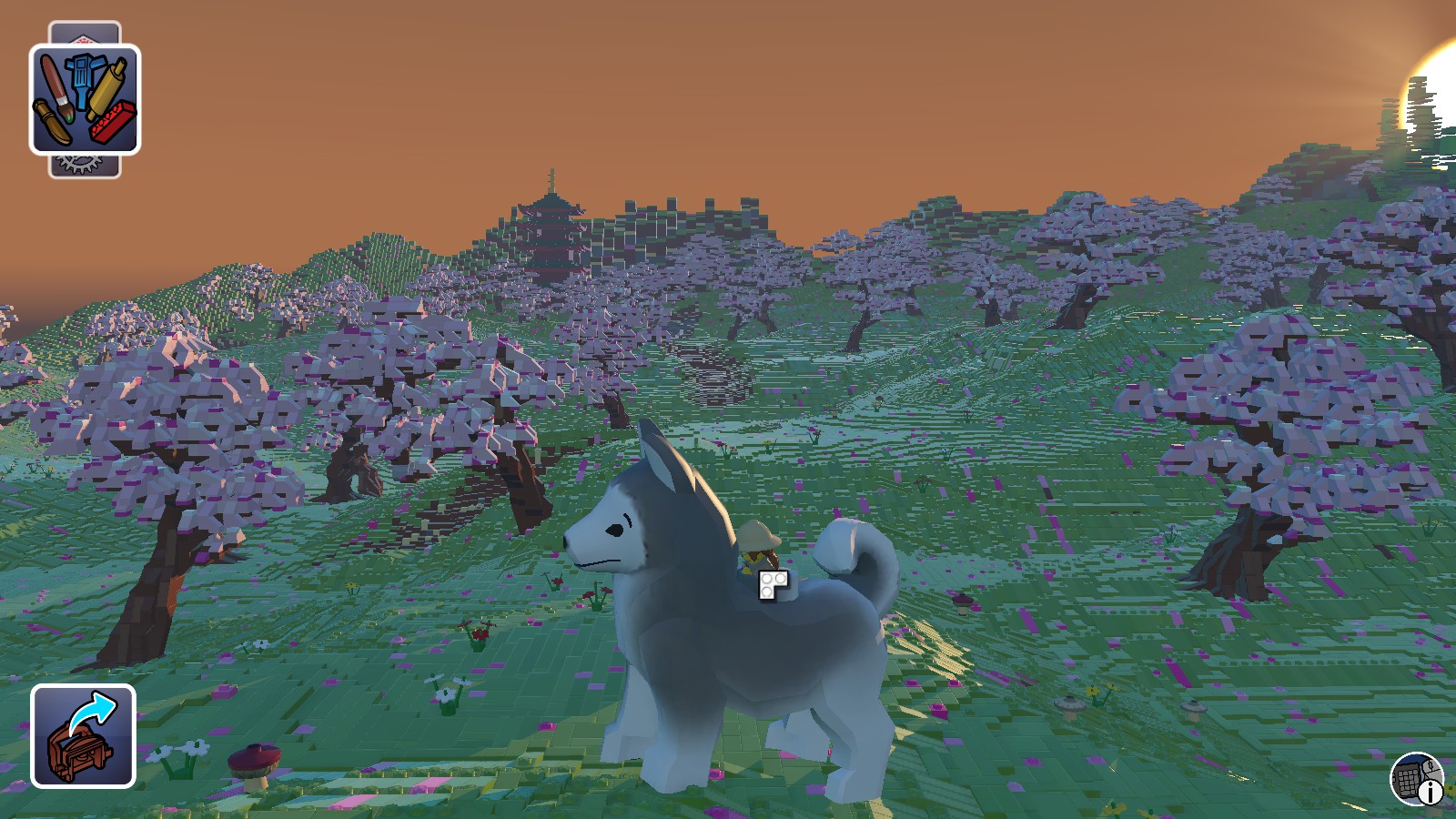
While I have yet to mess with the speed of creatures, I have been able to notice a change in size when editing CREATURETEMPLATE_STANDARD. Oh yes, I found that too, but I can't be having all the fun, eh? =) I made some giant huskies earlier today.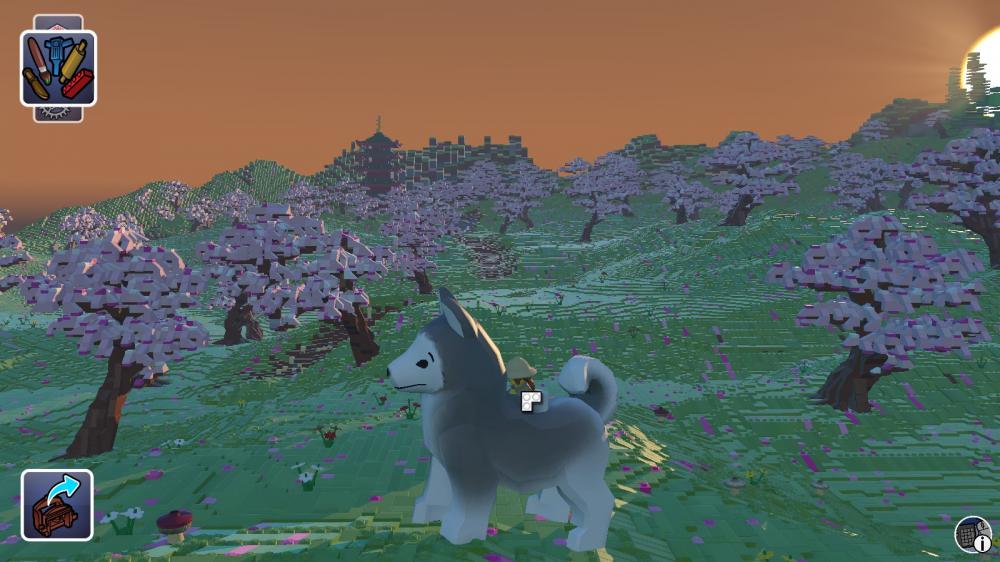 1 point
 -
Messier, the Interstellar Merchant Tycoon
coffins reacted to Phoenyx for a topic
Well, first off, you can lose money if you just buy one small ship. You pay 10 credits in tax every month, and small ships cost 1 credit per month in maintenance. I'm planning on adding landing rights leases, trade tariffs and locations so that you can't just spam ships like you can in this build, and random events that can potentially damage profits like pirate attacks. I'll probably add contracts as well. It turns out I completely forgot to add a default to the main menu switch. That's a quick fix. EDIT: Turns out it was more than that. I had to add an error handler to the input. EDIT2: The link's been updated. It should tell you that you gave an invalid command if you enter a letter or cause an overflow.1 point -
Adjust size, speed, and other minifig/creature characteristics...
Gmr_Leon reacted to Wognif for a topic
While I have yet to mess with the speed of creatures, I have been able to notice a change in size when editing CREATURETEMPLATE_STANDARD.1 point -

Make any(?) item throwable and explosive.
Wognif reacted to someswedish for a topic
I don't think a whole mod is necessary, once the dev's implement multiplayer we should have everything we need for a silly banana bomb battle. Just put up a server with banana bombs modded in and build an arena where people can blow each other up.1 point -
Lego "Angry Birds" sets arriving in 2016
Wognif reacted to Ben24x7 for a topic
I see two problems with this; 1. Not a lot of people pay attention to Angry Birds nowadays, and LEGO should have made maybe a few sets back in the game's hey-day, where practically EVERYONE knew, and was addicted to, Angry Birds 2. The new film looks worse than the jokey war-like "trailer" that the devs released when Angry Birds was picked up by a swarm of people. The look of the film now makes me want to... ...I dunno, get brain damage, believe I am one of the birds from the game, build a giant catapult and launch myself into the air and land on hard Tarmac.1 point -

Lego "Angry Birds" sets arriving in 2016
aidenpons reacted to Onegreatrace for a topic
brb finding a gun to shoot myself1 point -

Lego "Angry Birds" sets arriving in 2016
Wognif reacted to Jimbob for a topic
Uh... Duck off? That's in line with the forum rules and seems relevant. If there's an audience for this thing then I really don't blame LEGO for producing sets. It'll make both parties money, I may not buy them but I don't see that warranting an insulting dismissal.1 point -

Post Your Cool Custom Skins
Quisoves Potoo reacted to OJ for a topic
 1 point
 -
RRU Quotes 2: Reckoning
noghiri reacted to dead_name for a topic
In which Jamie starts to have an existential crisis... [20:47:03] jamesster: it's 2:46 and I haven't eaten yet [20:47:19] jamesster: I'm gonna fix that [20:47:30] jamesster: getting seriously annoyed at this whole mortal body thing [20:48:09] jamesster: help I'm trapped in a randomly generated chunk of flesh [20:48:37] jamesster: procedurally generated I guess [20:48:47] jamesster: I AM MY OWN ROGUELIKE1 point -
Programs used?
Gmr_Leon reacted to Jimbob for a topic
Regarding using GIMP, which I use myself for this, if you want to edit the textures you'll first need to install the DDS plugin.1 point -
A ghost in the machine
Seaborgium reacted to Jimbob for a blog entry
Well hello there! I think I joined not long before you left. As I'm sure you've noticed, RRU's a little different looking (and sounding, based on the increased number of users) then it was a couple of years ago. As far as modding's concerned, off the top of my head we've uncovered a great deal about LEGO Racers and have also had various mods released for LEGO Racers 2. There's the whole thing about Rock Raiders 2 as well, if that thing is still going, and McJobless is no longer our Pants Enforcer. Uh... jamesster's been promoted to moderator, Cirevam is new world leader and Cyrem is now Grapheme-the-Supreme. There's a bunch of stuff that went on involving exploding pizzas in the toilets so I'd advise keeping away from the porcelain mess. And... The Brickster's loose again, but it's okay as we've sent our best minigame-beater out to score some points and take him down by making more explosive pizzas. This time they're controlled explosions though, we've used extra-special chilli.1 point -
Post Your Cool Custom Skins
Ben24x7 reacted to Jimbob for a topic
It took me a little while to work out how to modify the textures correctly, but I've managed to make my own Docs. I probably spent longer making the house though, I'm not finding the building tools particularly easy. EDIT: Anyone else having issues where, when you exit a world, your character's parts are changed? My hat frequently changes and I find a cape equipped too. EDIT 2: I feel like I should draw some man-hair on his exposed chest.1 point -
RRU Quotes 2: Reckoning
Quisoves Potoo reacted to Phoenyx for a topic
Ayliffe In all my experience, whenever a newbie says they're 'leaving' they're back in a week or two 11:36 AM Ayliffe and whenever they say they're staying forever, they gradually disappear 11:36 AM BionicleFan Oh 11:37 AM Ayliffe Yeah, life is like that 11:38 AM1 point -
Post your cool worlds
Oboe Shoes reacted to Alcom Isst for a topic
1 point